j
2026
Sounds
Tools
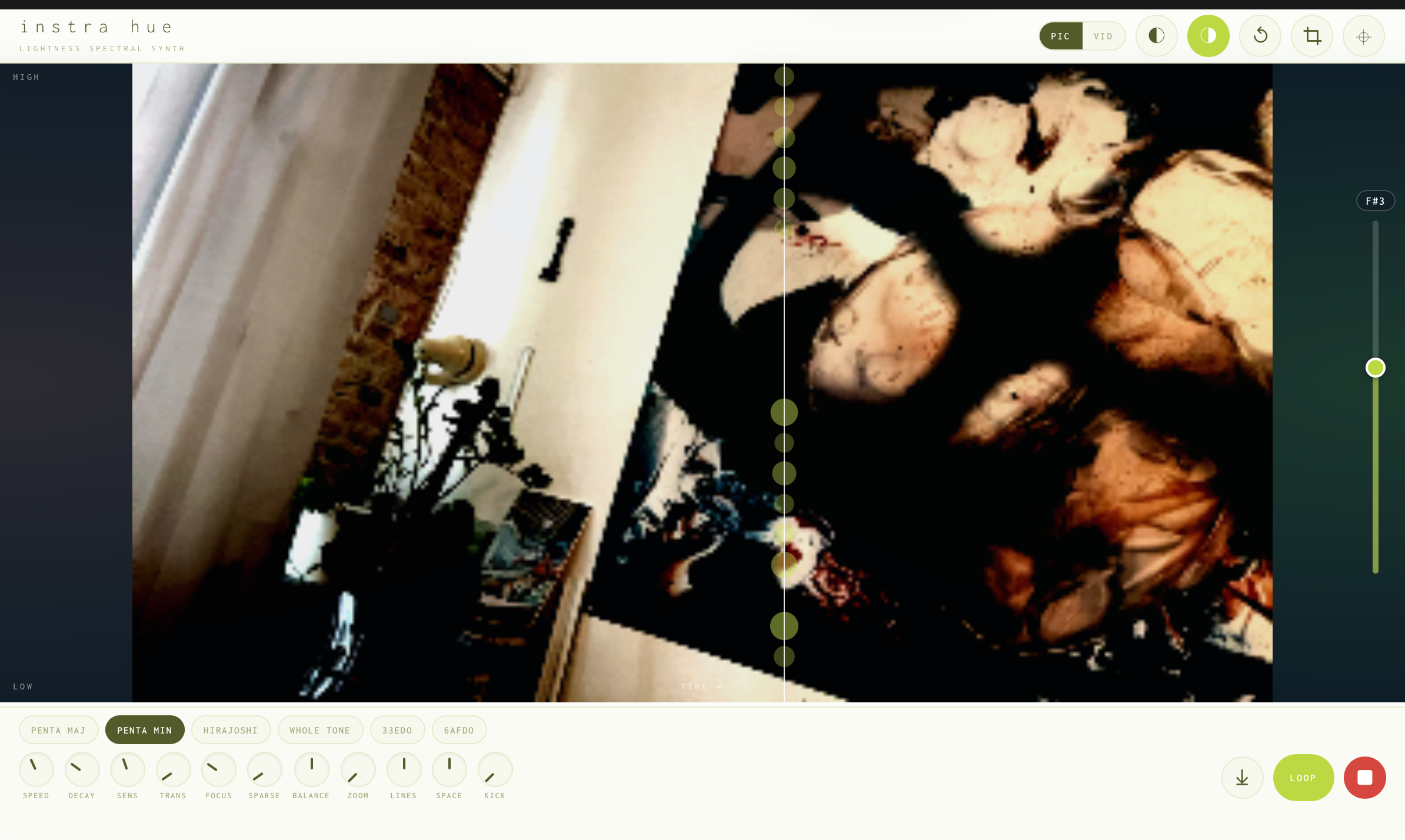
Instra Image · Video Spectral Synth — take a picture and hear it read left to right as a stack of sine waves; bright pixels become partials, high in frame is high in pitch, all snapped to a scale. Or flip to Vid and record a ten-second clip that loops while the playhead sweeps it live, so the stack moves as the picture does. Press and slide to sculpt contrast and saturation, thin the chord with Sparse and weight it bass or treble with Balance, then crop, transpose, print and set it to loop or one shot. Instra Hue Lightness Spectral Synth — the same reader, but pitch follows the light itself: the lighter a colour the higher its note, the darker the lower, so each column rings the chord of its own brightnesses. Picture or live video, with the full set of controls — Sparse, Balance, Focus, crop, transpose and print.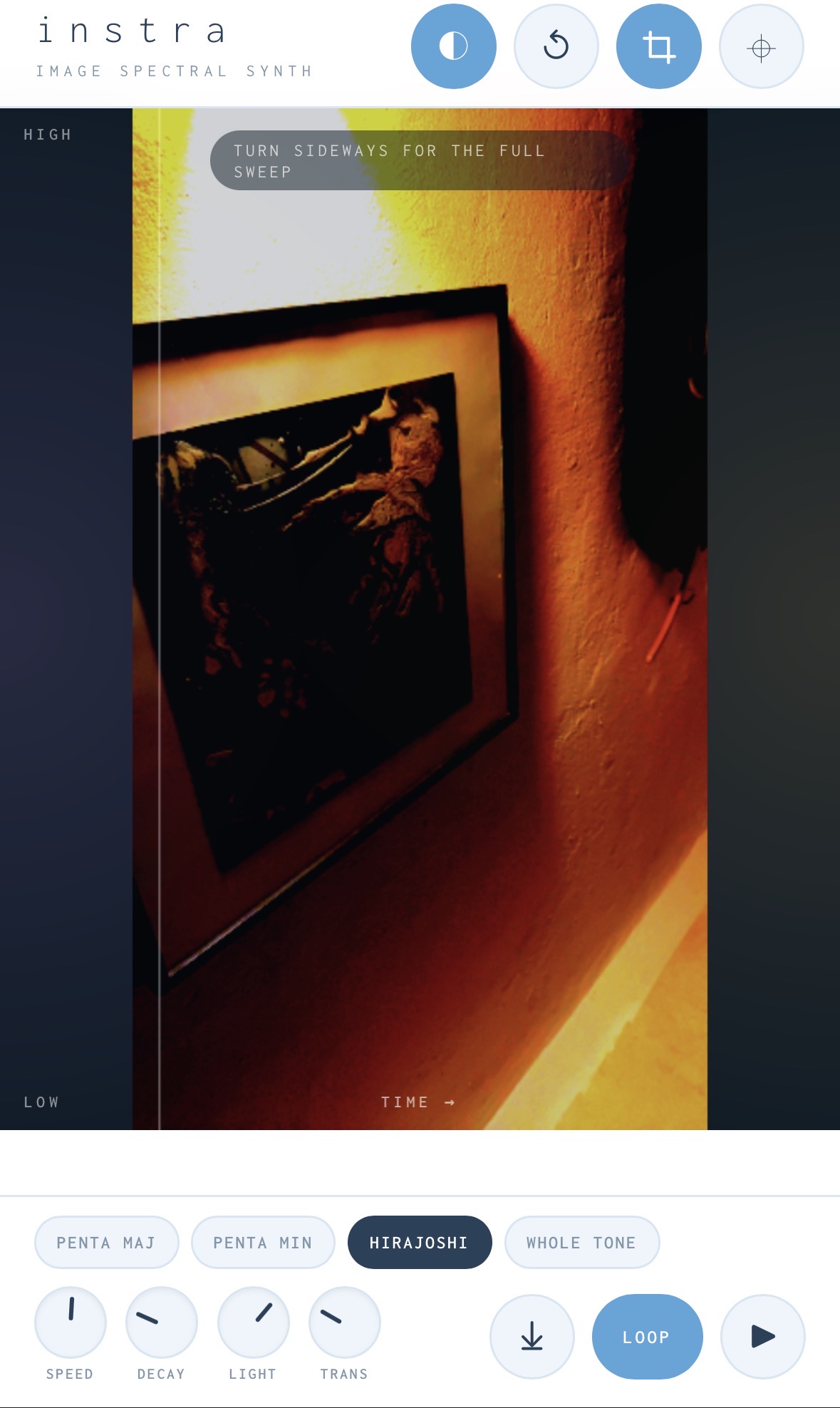
Mobile optimized
ISP
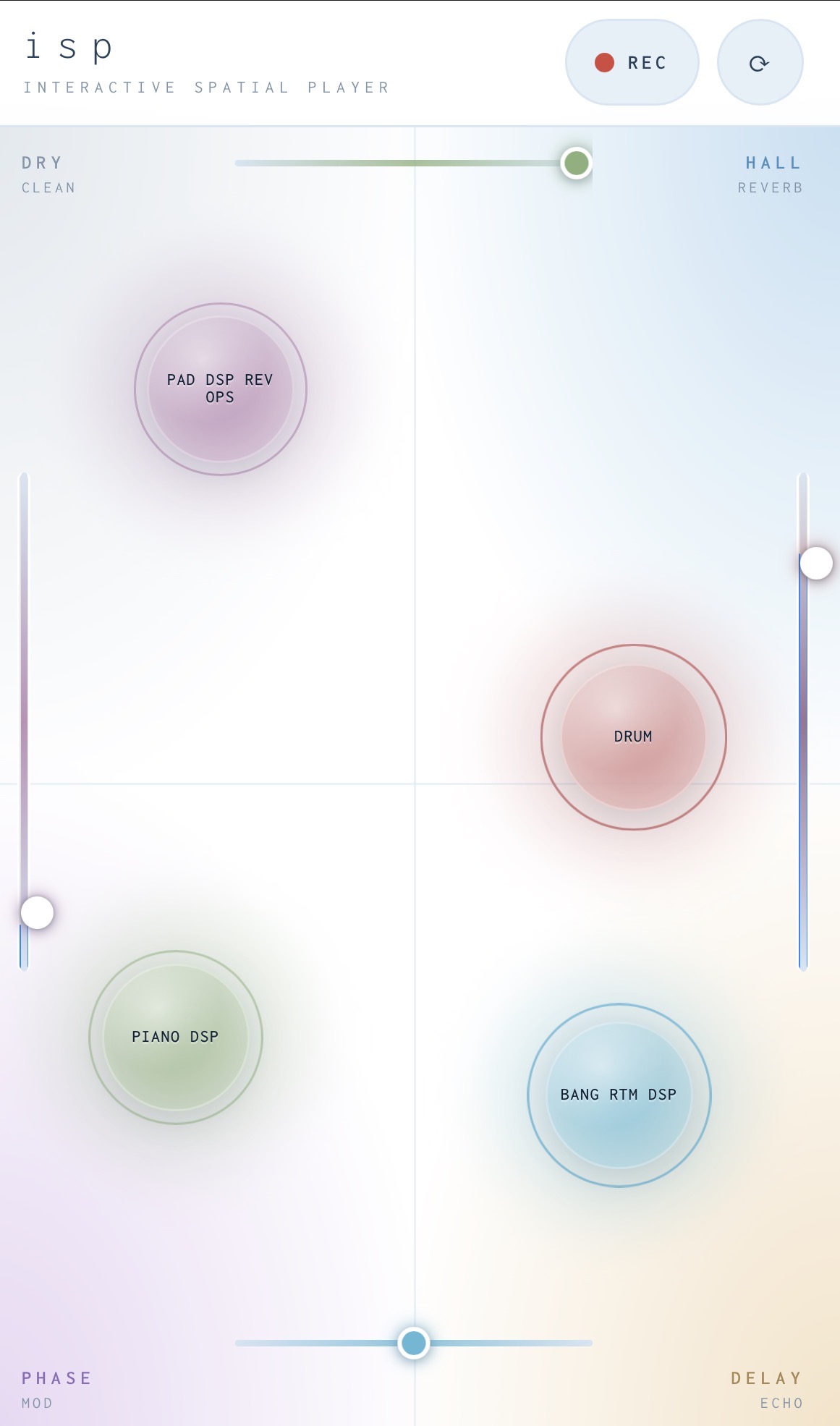
Interactive Spatial Player — a stripped-back mobile field; four random sounds as orbs, drag them between dry, hall, delay and phase-mod corners, pinch an orb to pitch it up or down, shake to re-roll, hold and tilt to record a binaural automation.
Ambion
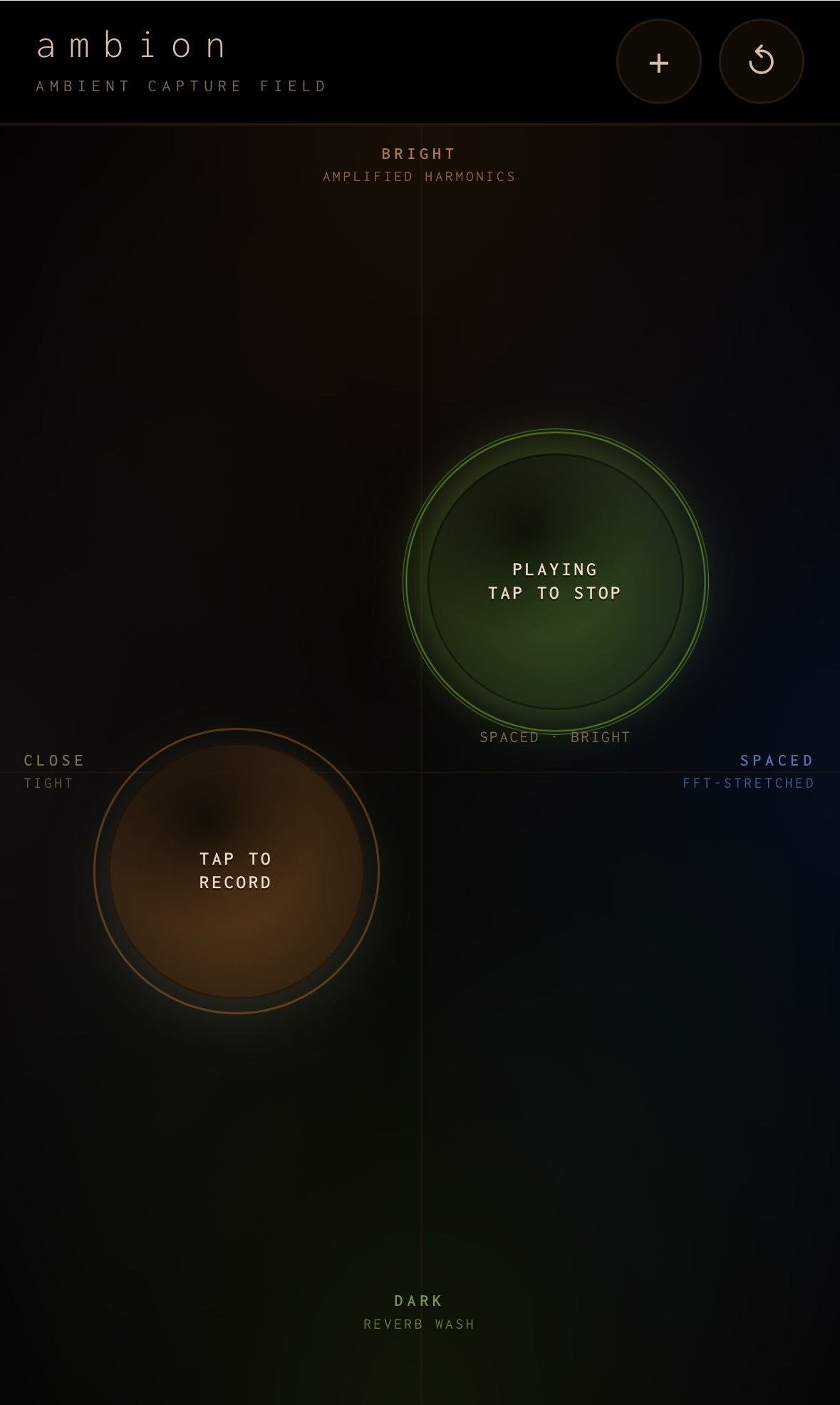
Ambient Capture Field — tap an orb to record up to twenty seconds of the room around you, then play it back grain-stretched, reverbed and pulled into amplified harmonics. Drag to reshape the wash, pinch to pitch it, and clone up to four orbs to layer separate captures.